
If you do not want your messages to fall into the wrong hands especially when using free public wiki hotspot, one of the best way to secure your Android / Iphone key board is to install the "Secure Text Keyboard" app on your mobile phone. Designed by nuovalabs it will protect your privacy, this app is really easy to use and very practical.
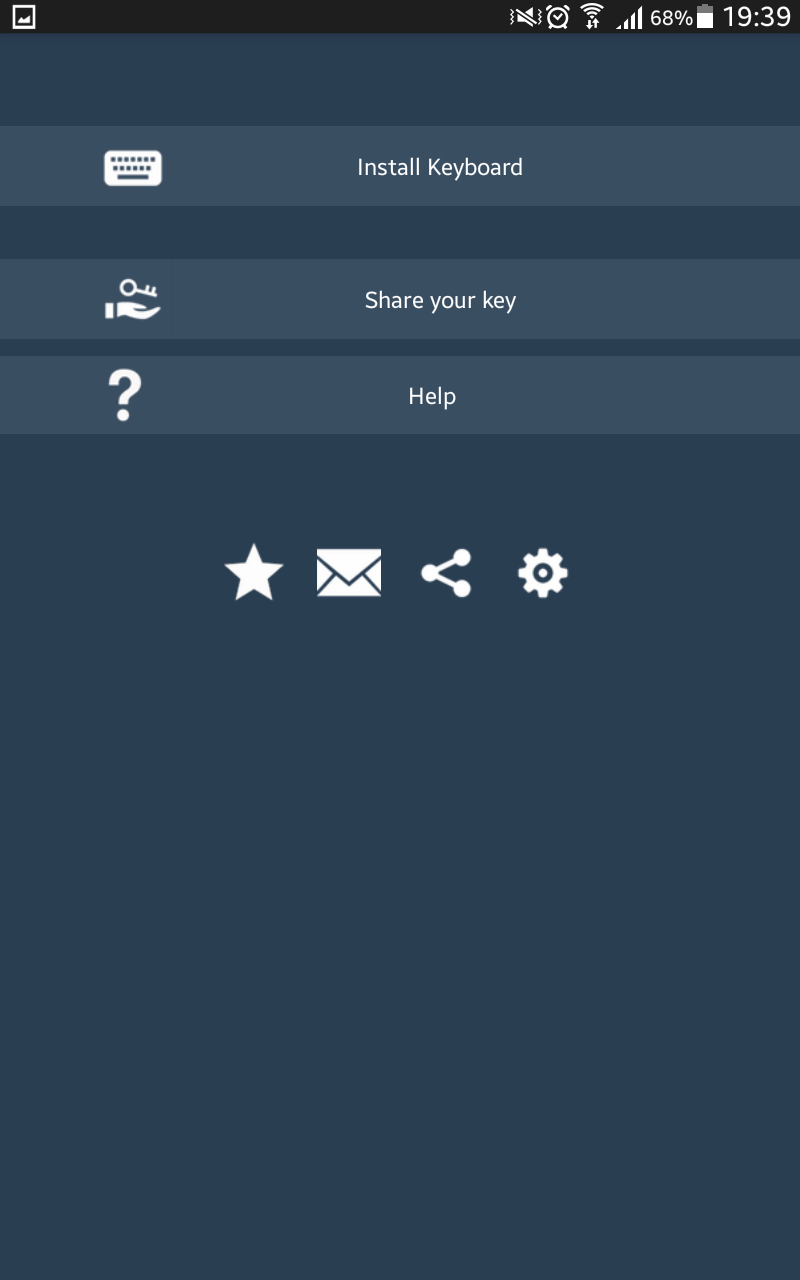
1.Download the Secure Text Edit app. You should find an interface similar like this.
3. Now, the "Share your key" option will generate a link which you can use to share to the person receiving the message.
4. The receiver will now use it to decrypt the messages you are sending each time.
5. Choose your input method type from the Notification menu and select select Secure Text Keyboard.
6. Start typing on your new keyboard, the message will appear in an encrypted format and can be sent to your recipient. It applies on Facebook, Viber, SMS etc..
This type of security system usually prevents yourself from a Man in the Middle attack. However, it should be noted that not all security systems are 100% secure. However, you can minimise the risk of having an attacker to exploit your mobile phone text messages.